
Install and configure Raspberry Pi using Rasbian OS
In this post we are going to install and configure the Raspberry Pi with Rasbian OS.


Prerequisites:
- Raspberry Pi 3 b+
- Micro SD card
- USB Cable
- HDMI cable and Monitor
- Mouse and Keyboard
Step 1:
First we need to download the Noobs package from this link https://www.raspberrypi.org/downloads/noobs/
Step 2:
Format the MicroSD card then Extract the downloaded Zip file into MicroSD card.
Step 3:
- Put the MicroSD card into your Pi.
- Power up your Pi using USB cable
- Connect you Pi with Monitor using HDMI cable (HDMI cable is required for installation only)
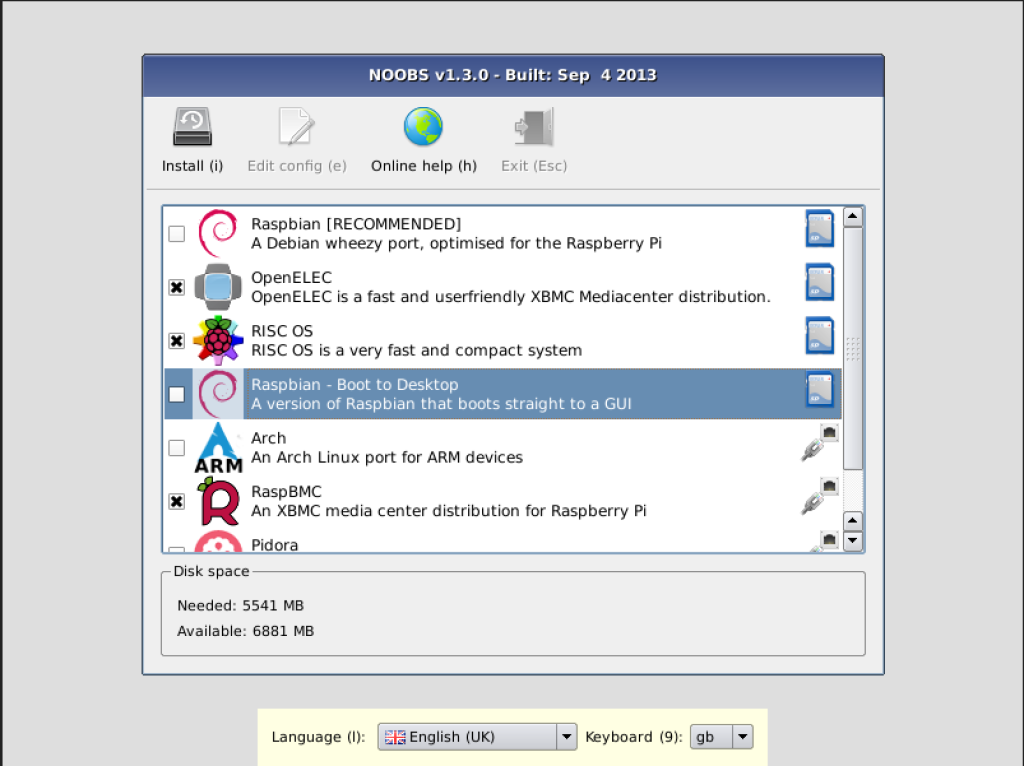
- Noobs installation page will open then choose "Rabian OS" to install.
- Once the installation is completed then the Pi will be restarted and you will see the desktop of rasbian OS.
Step 4:
Configure VNC on Raspbian (To enable remote connection between Pi and your laptop)
Open the terminal and type "sudo raspi-config" and enter. It will open the Pi configuration tool window.
Go to 5th option (Interfacing options)
Then enable VNC as shown below:
That's it.
Once we enabled then we can connect our Pi using remote connection. The HDMI cable and monitor is no more require now.

Leave a Comment